M11 STUDIO / LANDSCAPE VISUALIZATION
Landscapes,
made tangible.
From the discipline of a drawing
to the feeling of being there.
Landscape plans translated into considered 3D imagery. Modeled in SketchUp. Rendered in Lumion. Refined with AI.
Explore selected work ↓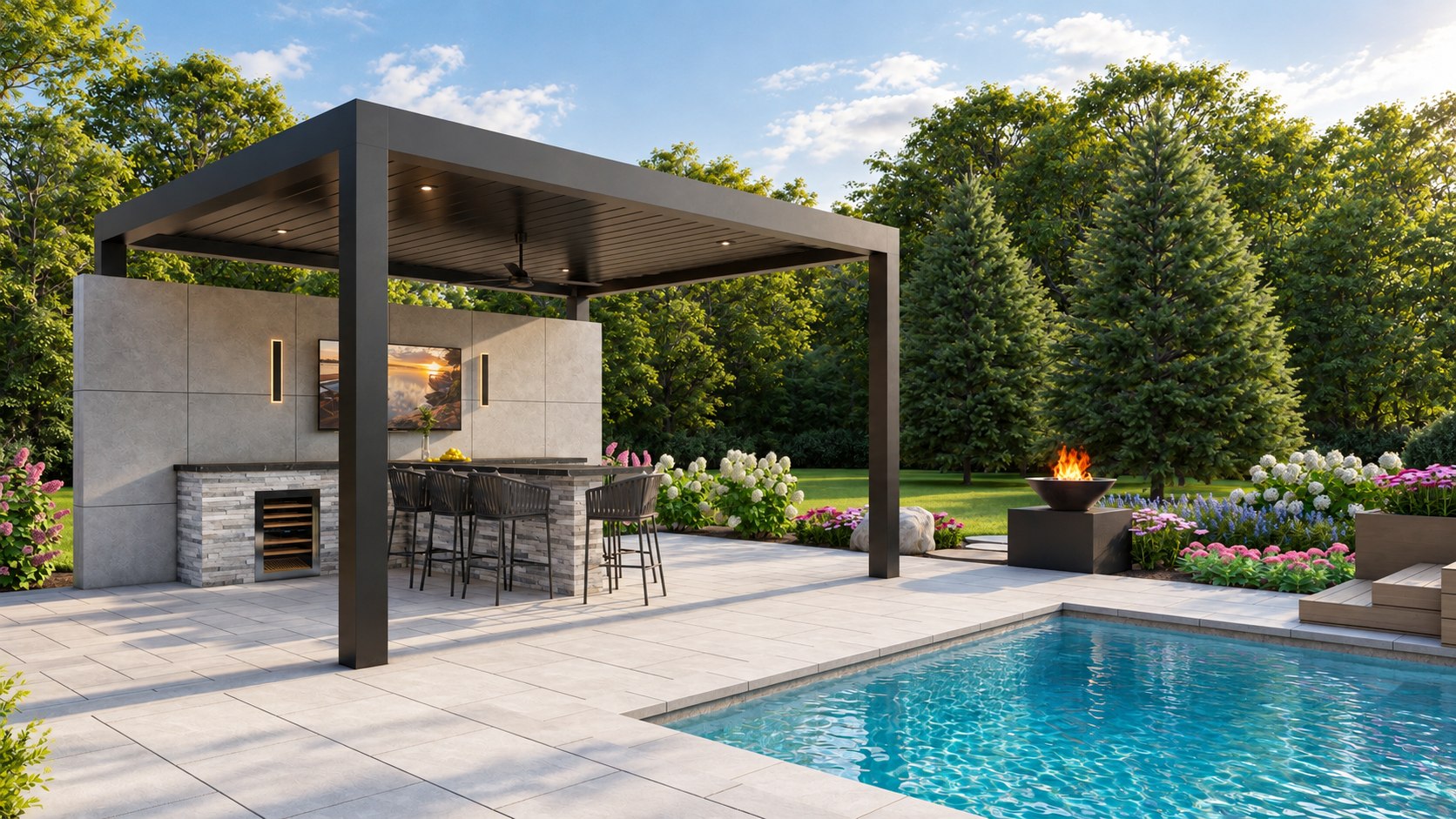
DESIGN INTENT, MADE VISIBLE
A clear picture.
A considered process.
We help landscape designers communicate the spaces they have planned: the proportions of a pool, the rhythm of a terrace, the relationship between a house and its garden.
Our foundation is a deliberately built 3D model. AI enters at the enhancement stage, with human review of the image against the model and the supplied design.
THE SELECTED COLLECTION
Outdoor living,
in perspective.
Three residential landscape studies.
Pools, gardens and spaces between.
01 / DRAWING TO MODEL
The plan is
the starting point.
Look beyond the finished image.
Move the divider to compare the supplied plan with the top-down Lumion view.
Aligned with rotation, uniform scale and translation. No perspective stretching. Compare the layout and visible hardscape edges; roofs and planting can conceal model geometry.
02 / RENDER TO PRESENTATION
The model comes first.
The finish follows.
AI refines the rendered image.
It is not used to generate the underlying landscape model.
Enhancement develops atmosphere, light and surface detail. Human review checks for unwanted changes to edges, openings, hardscape and planting placement.
A TRANSPARENT WORKFLOW
Crafted in 3D.
Reviewed by people.
Technology supports the presentation.
The supplied design guides the work.
- 01
Read the design
Review the landscape plans, reference imagery, material direction and the views needed for the presentation.
PLANS & REFERENCES - 02
Build the scene
Model the landscape in SketchUp, including hardscape, structures and the relationships between outdoor spaces.
SKETCHUP MODELING - 03
Render the experience
Compose aerial and eye-level views in Lumion to communicate materials, planting, light and outdoor living.
LUMION RENDERING - 04
Refine & review
Apply selective AI enhancement, then compare the output with the render and review the design relationships.
AI ENHANCEMENT / HUMAN QA
Pool and terrace outlines. Pavilion placement. Steps and circulation. Material boundaries. Consistency between views.
FOR LANDSCAPE DESIGNERS & DESIGN STUDIOS
Your next landscape.
A clearer vision.
Share your plan, reference imagery and the views you need. We will review the project and confirm a focused scope for the visualization.
Let’s talk about your project ↗Instagram / @m11.studio_ml